
The AR studio
Your space. Full size. In Augmented Reality.
Open the studio on your phone. Try every width, add your footage or text, then put the wall in your space at full size. Nothing to download.

From screen to space.
Open the studio
Scan the code or open it on your phone. All five widths are ready.
Make it yours
Choose a width. Add your video, photo, or text if you want.
Put it in the room
Initiate AR, point at the floor, and see the wall at full size.
Why this beats a brochure.
Dimensions on a page cannot tell you whether a six foot screen feels right beside your counter, or whether the ten and a half foot run swallows your window. Standing in front of one can. So the whole lineup is in AR: every width, true size, on your own floor, playing your own footage.
It works on iPhone and most Android phones, straight from the browser. Nothing to install, and no one has to visit your space.
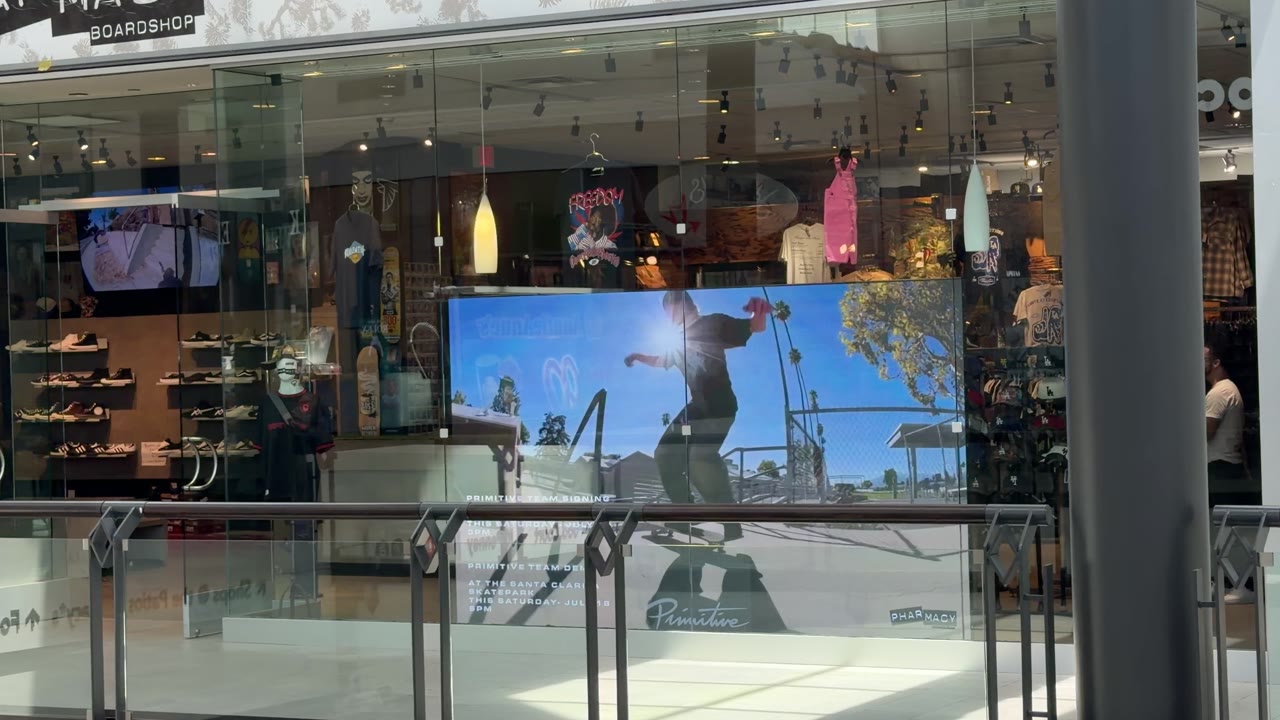
Choose the wall that feels right.
Try every width at full size. When one fits the room, buy it online or call us.